
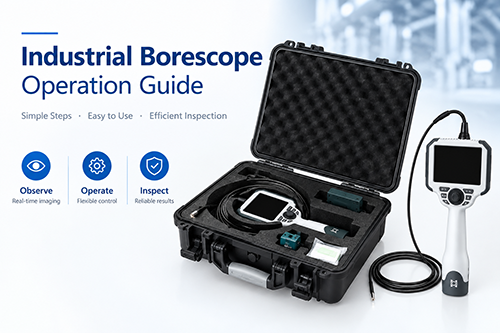
Learn How to Use an Industrial Borescope Quickly and Effectively
Category: News-
On: 2026-10-12
With the continuous advancement of industrial technology, the demand for non-destructive and visual inspection of complex components and internal passages has continued to grow. As an essential visual inspection tool, the industrial borescope effectively meets these needs by providing a direct and reliable means of assessing product quality and maintaining equipment safety. This article provides a comprehensive overview of industrial borescope operation, helping users quickly learn the basics and operate the equipment with confidence.
1. Overview
An industrial borescope is a visual inspection device designed to examine enclosed or confined spaces that cannot be directly observed with the naked eye. Industrial borescopes are available in various types, including rigid borescopes, fiber-optic borescopes, and video borescopes.
Although their designs differ, these devices share a similar fundamental principle: an optical lens or image sensor at the distal end of the probe captures images of the internal area being inspected, enabling visual examination of otherwise inaccessible spaces.
Industrial borescopes are widely used in aerospace inspection, automotive manufacturing, petrochemical processing, rail transportation, and other industries for product quality control, equipment inspection, and maintenance.
2. Basic Components
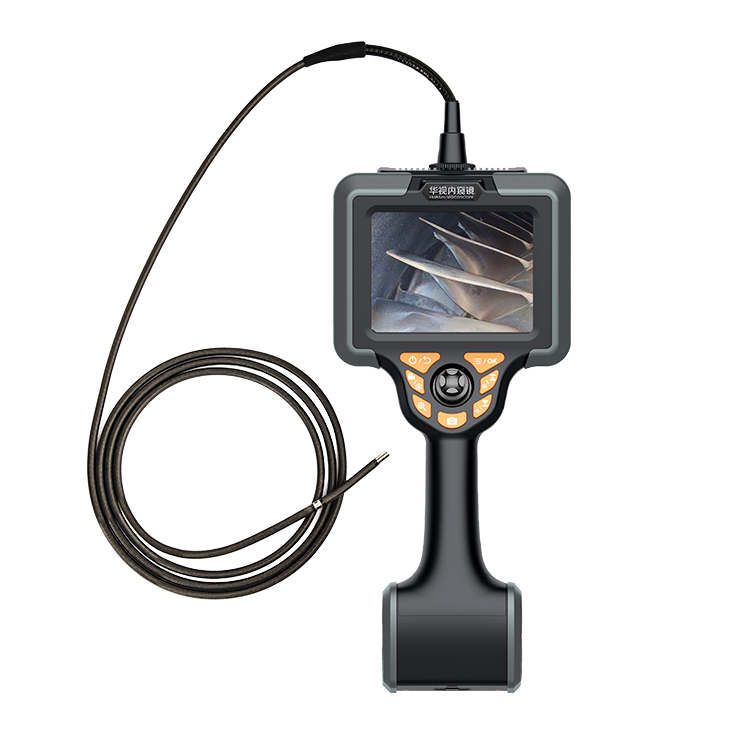
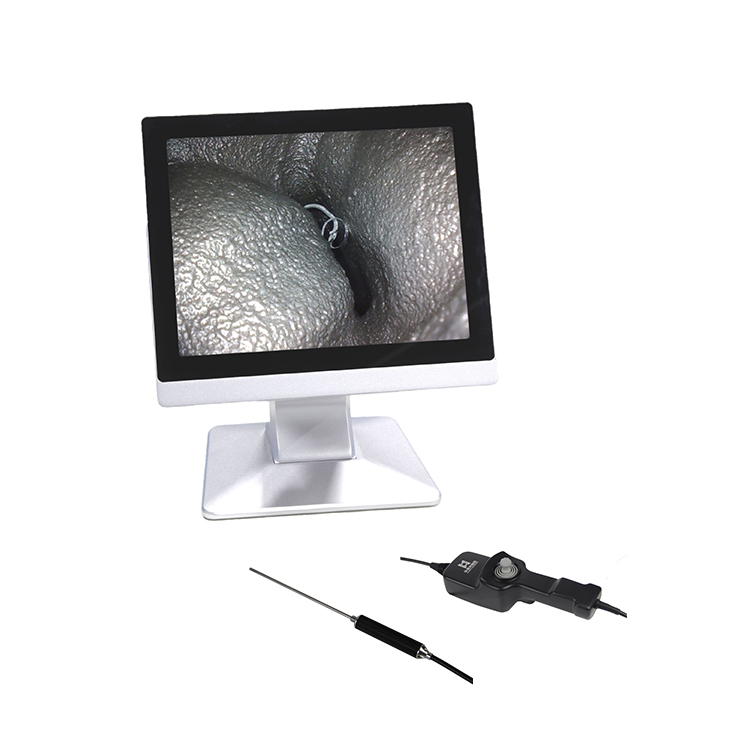
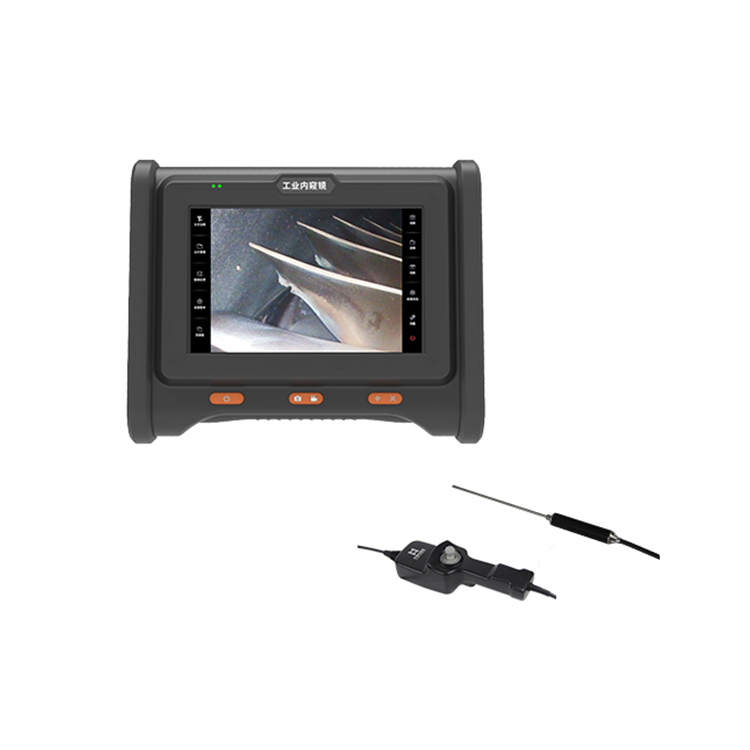
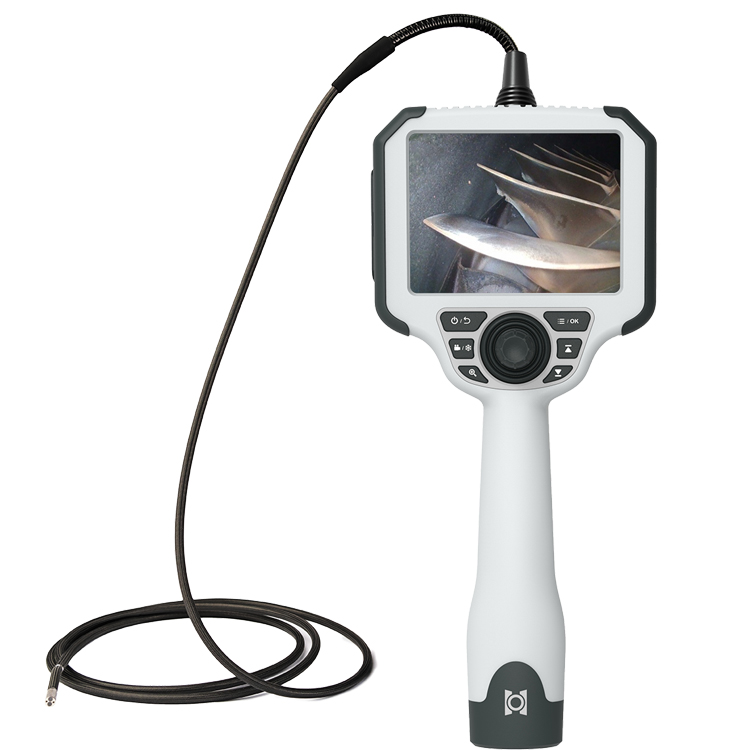
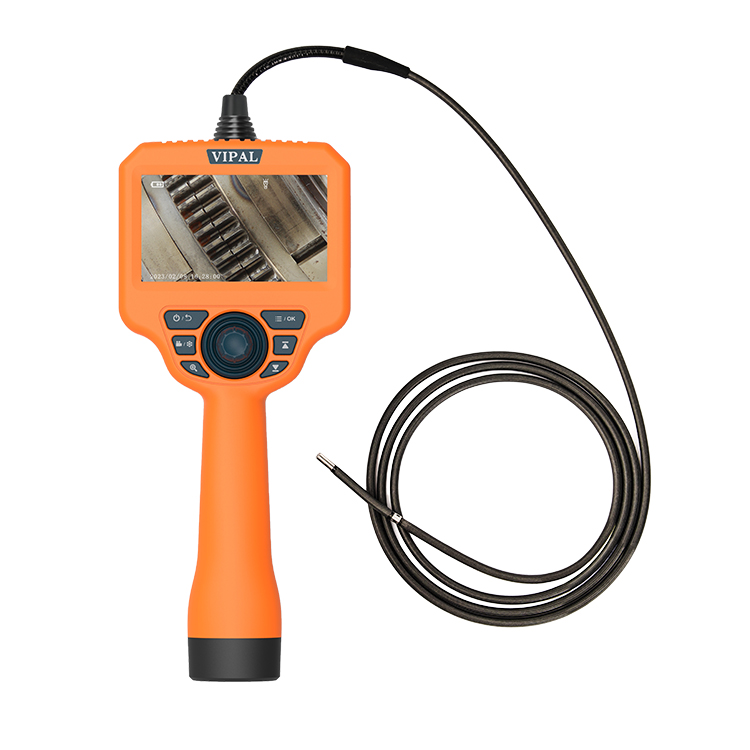
An industrial borescope generally consists of a probe equipped with an optical lens and image sensor, an illumination system, a display unit, and a control interface.
The control unit typically includes physical buttons and a joystick for steering the probe tip. The primary operating procedure involves using the buttons and joystick to maneuver the probe while monitoring the inspection area in real time on the display. Users can simultaneously observe internal surfaces, capture images, and perform measurement and analysis tasks, depending on the equipment's capabilities.
3. Preparation Before Inspection
Familiarize Yourself with the Inspection Environment
Understand the internal structure of the workpiece, equipment, or pipeline. Identify a suitable inspection access point and assess the working environment to avoid potential hazards that could damage the equipment.
Verify Equipment Calibration
Ensure that the equipment is calibrated at the intervals specified by the manufacturer or applicable inspection procedures. Proper calibration helps maintain measurement accuracy and ensures reliable inspection results.
Select and Install the Appropriate Probe
Choose a probe with a suitable diameter and working length based on the size of the inspection opening, the geometry of the access passage, and the required inspection depth. Install the probe according to the equipment's connection and assembly instructions.
Select and Install the Appropriate Optical Tip or Lens
Select the appropriate optical configuration according to the inspection area and the characteristics of the target. For inspecting large cavities, a medium- or long-focus lens may be suitable. For close-up examination of fine cracks and other small defects, a close-focus or ultra-close-focus lens is recommended. For quantitative defect measurement, select a stereo measurement probe or a 3D measurement probe, as supported by the equipment.
Perform a Pre-Operation Equipment Check
Ensure that the battery is sufficiently charged and install storage media if required. After powering on the device, check the probe, illumination, image quality, and articulation functions in sequence. If any abnormality is detected, contact the technical support team for assistance before proceeding with the inspection.
4. Conducting the Inspection
Insert the Probe
Slowly and steadily advance the probe into the area to be inspected. Monitor the live image on the display and guide the probe toward the target inspection location.
Observe the Target in Real Time
Adjust the probe position, viewing direction, and articulation angle to examine internal surfaces. When defects or areas of interest are identified, use digital zoom, if available, to enlarge image details for closer examination.
Adjust Image Brightness
For equipment without automatic brightness adjustment, manually adjust the illumination level to obtain a clear image. Image quality under low-light conditions depends partly on the sensitivity of the image sensor and the available illumination. Increasing the light output may improve visibility.
When inspecting reflective surfaces, such as polished metal, reduce the illumination as necessary to prevent overexposure and preserve important image details.
Record Findings, Analyze Results, and Generate Reports
During the inspection, capture still images, record videos, and add text annotations where supported. Save the inspection files for subsequent review and analysis.
After completing the inspection, organize the collected data and prepare an inspection report documenting the identified defects and their characteristics. Comparing current findings with historical inspection records can also help identify changes over time and provide valuable information for maintenance planning and condition assessment.
Retract the Probe and Store the Equipment
Return the articulation mechanism to its neutral position first, relieving tension on the steering wires. Slowly withdraw the probe from the inspection area without applying excessive force. Switch off the equipment, clean the probe according to the manufacturer's instructions, and store the system properly in its designated carrying case.
5. Advanced Operating Functions
Defect Measurement
For quantitative inspection requirements, measurement functions can be used to determine defect length, area, depth, and other relevant dimensions, depending on the equipment's capabilities.
Industrial borescopes equipped with fringe-projection 3D scanning technology may support fringe projection, 3D reconstruction, and point-cloud visualization. These functions can enable additional dimensional measurements, including angles and radii. Users should follow the manufacturer's operating procedures and measurement guidelines to obtain reliable results.
Specialized Probes for Additional Inspection Applications
Specialized probes can extend the capabilities of an industrial borescope. Examples include probes with a working channel for mechanical retrieval tools, ultraviolet fluorescence probes, flat-profile probes, and ultra-thin probes.
Depending on the configuration, these accessories can support foreign-object retrieval, fluorescence inspection, and examination of narrow or geometrically complex spaces.
Remote Collaborative Inspection
Some industrial borescopes support remote collaboration, allowing specialists in different locations to participate in an inspection in real time. This capability enables field personnel to obtain expert advice more efficiently, helping improve inspection assessments and overall work efficiency.
AI-Assisted Defect Recognition
Industrial borescopes equipped with AI-based recognition models may offer automated or assisted identification of common defects, such as cracks and coating deterioration. These functions can improve inspection consistency and help reduce variations in human interpretation.
AI-generated results should be reviewed by qualified personnel and verified against applicable inspection criteria.
Multidimensional Data Analysis
Where compatible analysis platforms are available, inspection images and associated data can be uploaded for integrated analysis. Comparing inspection records collected across different batches and time periods can help identify defect trends and support product improvement, equipment maintenance, and long-term condition monitoring.
6. Precautions During Use
Protect the Probe Assembly
Avoid exposing the probe to temperatures beyond its specified operating range. Do not force the probe into excessive bends or subject it to impacts, cuts, crushing, or other mechanical damage. Take particular care to protect the insertion tube and distal tip assembly.
Manage the Battery Properly
If the equipment will remain unused for an extended period, remove the battery if recommended by the manufacturer. Follow the manufacturer's battery storage and periodic charging recommendations to maintain battery performance.
Keep the Probe and Optical Tip Clean
Follow the manufacturer's cleaning procedures. Use only approved cleaning materials and methods at the appropriate times. Contamination on the optical surface can degrade image quality and affect inspection results.
Seek Technical Support When Problems Occur
If abnormalities arise, such as insufficient illumination, blurry images, or restricted probe articulation, stop using the equipment if necessary and contact technical support for troubleshooting and repair guidance.
Store the Equipment Correctly
Store the equipment under the specified temperature and humidity conditions. Before placing it in the carrying case, arrange the insertion tube carefully, install the protective cap to prevent dust contamination, and ensure that no heavy objects are placed on top of the case.
Conclusion
This article presents a comprehensive guide to industrial borescope operation across six key areas: equipment fundamentals, basic components, pre-inspection preparation, inspection procedures, advanced functions, and essential precautions.
In practice, users should always follow the instruction manual and operating procedures applicable to their specific equipment. With regular hands-on experience and proper operating techniques, inspectors can progress from basic operation to proficient use, making the most of industrial borescopes to perform efficient and reliable inspections across a wide range of industrial applications.